Track readings and requests

Check readings, adjust the available settings and follow your requests.
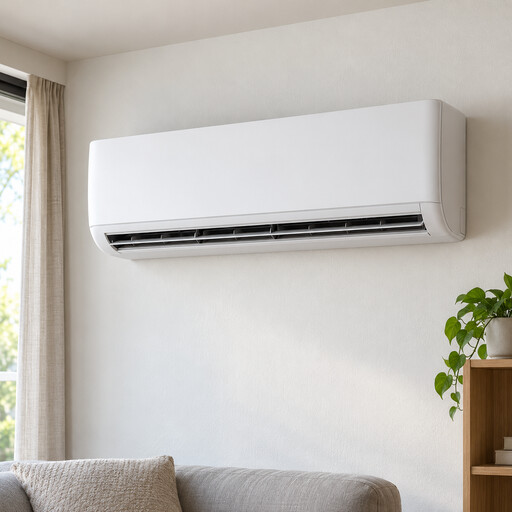
Air conditioner

What you can do

Find the readings you need

Check temperatures, pressures and counters with their units and update information, without losing the resource's context.

Choose the available settings

Choose a value with the resource's controls and, when required, confirm the resource and setting.

Follow each request

Compare the requested value with the state reported by the device and follow the request's progress.

Illustrative examples

Adjust the room's comfort settings

Air conditioner

Air conditioner

Available
Baker Street (London)
Sensors (2)
Room temperature
21.4 °C
Room humidity
43.8 %
Commands (5)
Power
Mode
Target temperature
22.0 °C
Fan speed
Airflow
Sensor reading and command-request flow

Sensor data

  1. SensorsTemperature and humidity
  2. Control deviceSends readings
  3. RealerResource readings

Request and report

  1. Choose and sendTarget temperature
  2. RealerConfirm when required
  3. Device and actuatorClimate control
  4. RealerReported state

The measured temperature describes the room; the target is the chosen goal.

Monitor the fridge during service

Bar refrigerator

Bar refrigerator

Available
Brompton Road (London)
Sensors (3)
Cabinet temperature
4.2 °C
Door closed
Yes
Total energy
48.6 kWh
Commands (2)
Target temperature
4.0 °C
Cabinet light
Sensor reading and command-request flow

Sensor data

  1. SensorsTemperature and door status
  2. Control deviceSends readings
  3. RealerResource readings

Request and report

  1. Choose and sendTarget temperature
  2. RealerConfirm when required
  3. Device and actuatorTemperature control
  4. RealerReported state

Cabinet temperature and door status help you follow the fridge during service.

Adjust the pressure for the task

Air compressor

Air compressor

Available
Factory 1, Park Royal (London)
Sensors (4)
Internal pressure
7.1 bar
Outlet pressure
5.9 bar
Airend discharge temperature
78 °C
Operating hours
1248 h
Command (1)
Target outlet pressure
6.0 bar
Sensor reading and command-request flow

Sensor data

  1. SensorsPressures and temperature
  2. Control deviceSends readings
  3. RealerResource readings

Request and report

  1. Choose and sendTarget outlet pressure
  2. RealerConfirm when required
  3. Device and actuatorOutlet pressure control
  4. RealerReported state

The regulator adjusts outlet pressure; internal pressure remains a separate reading.

Put it into practice